
Welcome to Done55! This simple guide will help you create your account and start playing in just a few minutes.
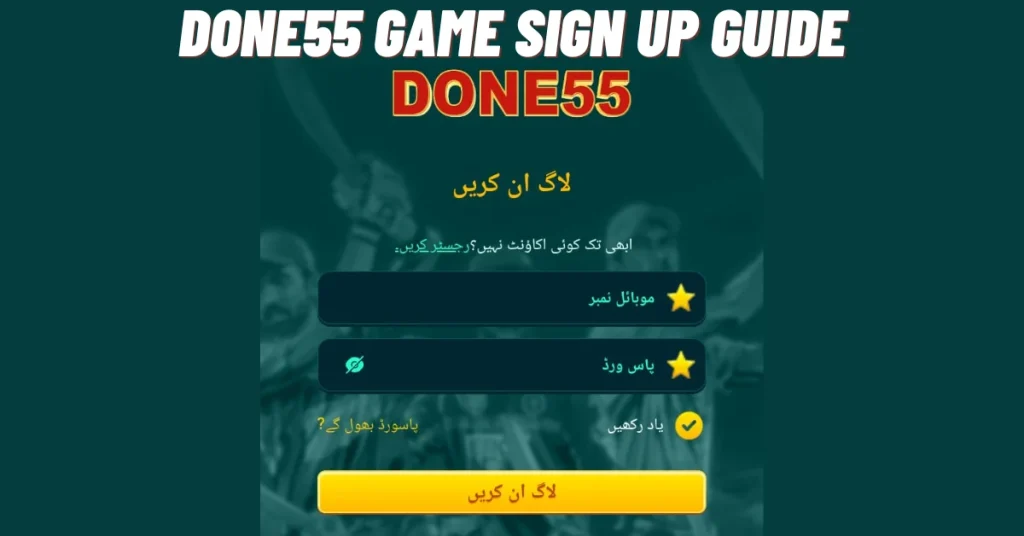
Step 1: Open the App
- Find the Done55 Game download icon on your phone’s home screen
- Tap to open the app
- You will see the welcome screen with two options: “Sign Up” and “Log In”
- Tap “Sign Up” to create a new account
Step 2: Enter Your Details
Fill in the registration form with the following information:
| Field | What to Enter |
|---|---|
| Phone Number | Your active Pakistani mobile number (03XX-XXXXXXX) |
| Email Address | Optional, but recommended for account recovery |
| Password | Create a strong password (at least 6 characters) |
| Confirm Password | Type the same password again |
-
Tip: Use a phone number that is registered with JazzCash or Easypaisa for easy withdrawals later.
Step 3: Verify Your Account
- After entering your details, tap “Get Verification Code”
- Done55 will send a 4-6 digit OTP (One-Time Password) to your phone via SMS
- Check your messages and enter the code in the app
- Tap “Verify”
-
The code usually arrives within 30 seconds. If not, tap “Resend Code” after 60 seconds.
Step 4: Complete Your Profile
Once verified, you may need to add a few more details:
- Full Name (as per your CNIC)
- Date of Birth (you must be 18+ to play)
- Referral Code (optional enter a friend’s code to get extra bonus)
- Tap “Complete Registration” when done.
Step 5: Claim Your Welcome Bonus
Congratulations! Your account is now ready. As a new player, you will receive:
| Bonus Type | What You Get |
|---|---|
| Welcome Bonus | Free coins/credits to start playing |
| First Deposit Bonus | Extra coins when you add money for the first time |
| Daily Login Reward | Free spins or coins for logging in daily |
Tap “Claim Now” to collect your welcome bonus and start exploring the games.
After Registration complete done55 deposit process.