
Done55 game app is not available on the Google Play Store, so you need to download it directly as an APK file. This guide will walk you through the entire process in simple steps.
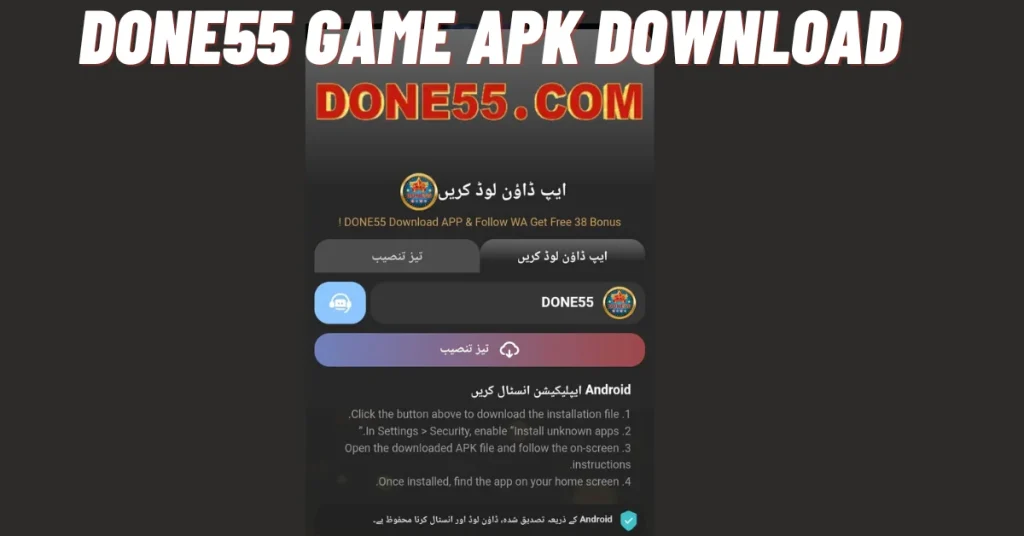
Step 1: Download the APK File
-
Open your phone’s browser (Chrome, Firefox, etc.)
-
Go to the official website: 55done.pk
-
Find the “Download” or “Download APK” button on the homepage
-
Tap the button and wait for the file to download
-
The file size is about 24 MB, so it won’t take long on a good internet connection
Important: Only download from the official website to avoid fake or harmful apps.
Step 2: Allow Unknown Sources
Since this app is not from the Play Store, your phone needs permission to install it.
- Open your phone’s Settings
- Go to Security or Privacy (name varies by phone)
- Find “Install unknown apps” or “Unknown sources”
- Tap it and enable permission for your browser (Chrome, etc.)
- A warning message may appear tap OK or Allow
-
On newer Android phones (Android 8+), you may need to allow permission for the specific app (like Chrome) that downloaded the file, rather than a global setting.
Step 3: Install the App
-
Open your File Manager or Downloads folder
-
Find the downloaded file named something like Done55_v2.3.1.apk
-
Tap on the file
-
Tap Install when prompted
-
Wait for the installation to complete (usually takes 10-20 seconds)
After installing the app, you need to complete the registration process. For this, please check the Done55 Game sign-up guide above.